
Shopify SEO: A Step-by-Step Guide for Small Businesses
Shopify gives online stores a strong SEO foundation, but improving your search visibility still requires consistent work on content, keywords, site structure, and performance. The platform handles many technical elements automatically, including XML sitemaps and canonical URLs, while giving you control over SEO titles, descriptions, URL handles, redirects, and image alt text.
Some areas are less flexible. Shopify uses a fixed URL structure, advanced technical changes can require theme customization, and the platform does not include dedicated keyword rank tracking or competitor monitoring.
This guide explains Shopify’s built-in SEO capabilities and limitations, how to optimize your store, how to track your results, and how rankingCoach can help you improve your online visibility.
Table of Contents
- What Is Shopify?
- Shopify SEO: Built-In Features and Limitations
- How to Do SEO on Shopify
- How to Track Your Shopify SEO Progress
- How rankingCoach Helps Shopify Stores
- Shopify SEO: Frequently Asked Questions
- Get Started with rankingCoach
1. What Is Shopify?
Shopify is a cloud-based e-commerce platform founded in 2006. It is designed specifically for selling products online and combines website building, hosting, payments, inventory management, shipping integrations, and checkout functionality in one platform.
Shopify manages hosting, security, and platform updates automatically, allowing businesses to focus on managing their products, customers, and sales rather than maintaining server infrastructure.
The platform also provides a solid foundation for SEO. Store owners can edit important on-page elements such as SEO titles, descriptions, URL handles, and image alt text, while Shopify automatically handles technical elements such as XML sitemaps and canonical URLs.
Shopify’s SEO capabilities cover many of the essentials, although some advanced technical configurations and URL customizations require additional work.
2. Shopify SEO: Built-In Features and Limitations
Shopify handles many technical SEO requirements automatically and provides useful controls for optimizing products, collections, pages, and blog content.
What Shopify provides
Shopify includes several useful SEO capabilities:
- Editable SEO titles and meta descriptions
- Editable URL handles
- Automatic XML sitemap
- Canonical URL support
- URL redirect management
- Image alt text
- Customizable robots.txt.liquid
- Search visibility controls
- Mobile-responsive themes
- SSL and HTTPS
- International SEO support through Shopify Markets
- Automatic hreflang for supported international configurations
- Market-specific sitemap support
These features provide a strong technical starting point for e-commerce SEO, but there are still areas where Shopify gives store owners less flexibility.
Fixed URL structure
Shopify uses predefined URL paths for different content types.
Product URLs include /products/, while collection URLs include /collections/. You can customize the URL handle that follows these paths, but the standard Shopify content-type structure cannot normally be removed.
This does not prevent Shopify pages from ranking in search results, but it gives store owners less control over URL architecture than platforms with fully customizable routing.
Product variants require some SEO awareness
Shopify can generate variant-specific URLs when customers link directly to a particular product option.
Shopify’s canonical URL handling helps search engines understand the preferred product URL, so standard product variants generally do not need to be treated as separate pages for SEO.
The more important consideration is whether different products or pages on your store provide enough useful and distinct information when you want them to rank individually.
Collection pages can benefit from additional context
A Shopify collection can consist mainly of a title and product grid, depending on how the store is configured.
Adding useful category information can give visitors and search engines more context about the collection, particularly when the page otherwise contains little information beyond its products.
Focus on explaining what the collection contains, who the products are for, and information that helps shoppers make a decision rather than adding text purely to target keywords.
Advanced technical SEO can require theme customization
Shopify automatically manages many technical SEO elements, but more advanced configurations can require changes to theme code.
For example, Shopify provides a robots.txt.liquid template for customizing crawl rules. More specialized structured data or other technical SEO implementations may also require theme customization, an app, or developer support.
For most small businesses, these requirements are occasional rather than part of everyday SEO management.
Bulk SEO management is limited
Shopify provides native bulk editing for several store resources, which can save time when managing larger catalogues.
However, bulk management of SEO metadata across different content types is more limited. Stores with large catalogues may need additional workflows, CSV editing, apps, or custom solutions when making SEO changes at scale.
International SEO support
Shopify Markets provides useful functionality for stores targeting customers in different countries or languages.
For supported international configurations, Shopify can automatically manage hreflang annotations and market-specific sitemap URLs. This helps search engines understand which version of your store is intended for different languages or regions.
No dedicated keyword rank tracker
Shopify provides store analytics and SEO controls, but it does not include a dedicated tool for consistently tracking where individual products, collections, or pages rank for specific Google searches.
If organic search rankings are an important KPI for your store, use a dedicated keyword rank tracking solution alongside Shopify.
3. How to Do SEO on Shopify
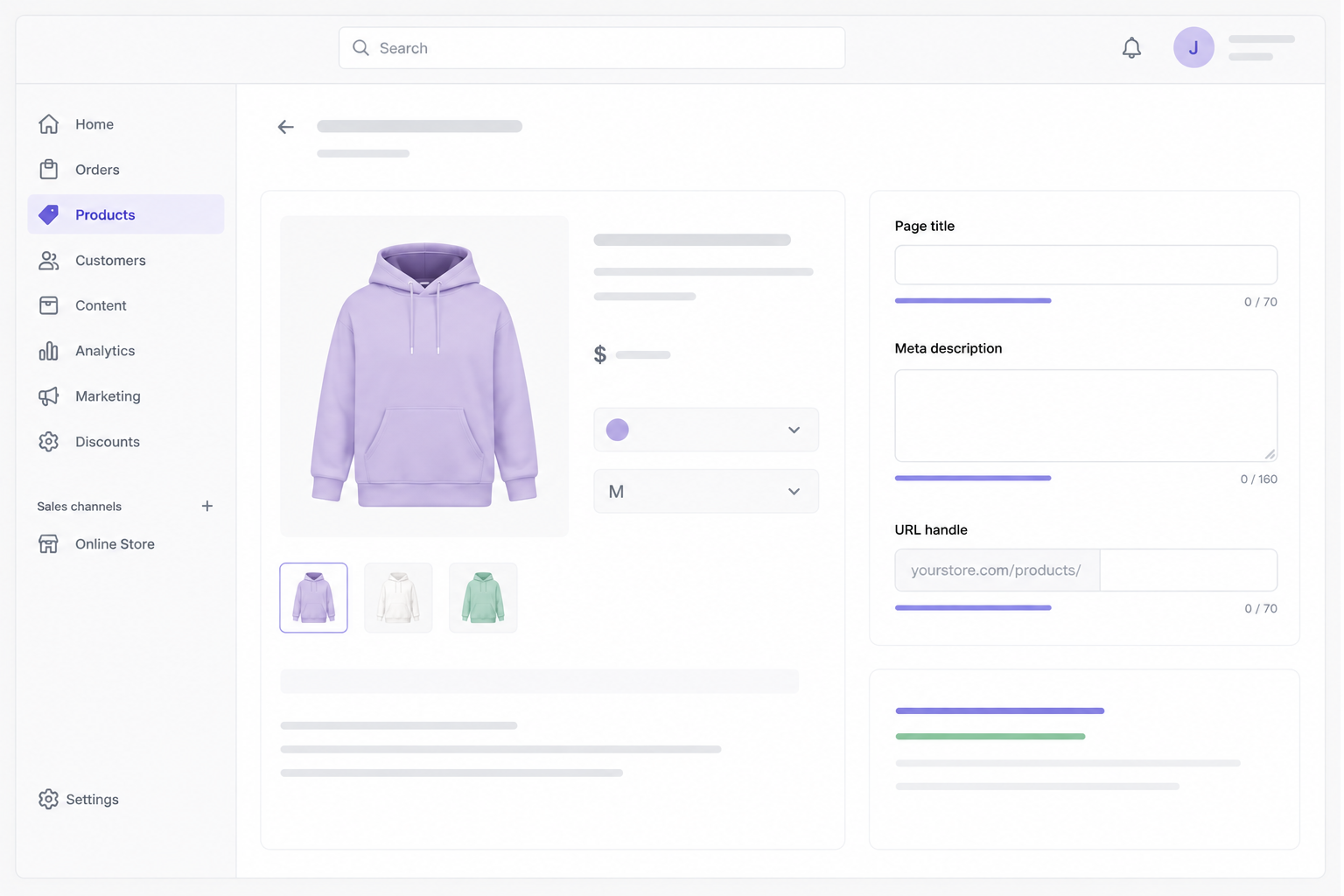
Shopify provides the technical foundation, but your products, collections, content, metadata, internal links, and overall store experience still require deliberate optimization.
Write clear product titles
Use descriptive product titles that accurately identify what you are selling.
Include relevant search terms naturally when they help describe the product, but avoid adding unnecessary keyword variations purely for SEO. Product titles should make sense to shoppers first.
Write useful product and collection descriptions
Avoid relying entirely on manufacturer-supplied descriptions when you can provide more useful, original information.
Explain important product features, benefits, specifications, use cases, sizing, materials, or other details customers may need before buying.
For collection pages, useful introductory content can explain what the category contains and help visitors understand the differences between products.
Set SEO titles and meta descriptions
Shopify lets you edit search engine listings for products, collections, pages, and blog posts.
Create a unique, descriptive SEO title for each important page and write a meta description that accurately summarizes the content.
Keep both concise and useful rather than treating character counts as strict rules. Search engines may truncate or rewrite how titles and descriptions appear in search results.
How to edit the meta title of a Shopify page
Review your URL handles
Shopify automatically creates URL handles based on your content titles.
Review these handles and edit them when they are unnecessarily long, unclear, or no longer accurately describe the page. Keep them readable and descriptive.
Avoid changing established URLs without a reason. If you do change one, create an appropriate redirect from the previous URL.
Use redirects when URLs change
Shopify includes built-in URL redirect management.
You can manage redirects under Content > Menus > URL redirects. When changing certain URL handles, Shopify can also provide an option to redirect visitors from the previous address.
Use permanent redirects when content has permanently moved to help visitors and search engines reach the new URL and help preserve signals associated with the previous address.
Optimize product images
Large image files can affect page performance, especially on image-heavy e-commerce sites.
Use appropriately sized and optimized images and add descriptive alt text to relevant images. Alt text should accurately describe the image and its purpose. Include a search term only when it genuinely helps describe what the image shows.
Build internal links
Connect related products, collections, blog articles, and other useful pages through internal links.
Internal links help visitors discover relevant content and help search engines understand relationships between different areas of your store.
For example, a buying guide can link to relevant collections, while collection descriptions can link to related categories or helpful content.
Use your automatically generated sitemap
Shopify automatically generates and updates an XML sitemap for your store.
Submit the sitemap to Google Search Console to help Google discover your products, collections, pages, and blog content and to monitor indexing.
How to submit XML sitemap in Google Search Console
Use Shopify Markets for international stores
If your business sells to multiple countries or language markets, configure Shopify Markets carefully.
Shopify can manage hreflang annotations and market-specific sitemap information for supported international configurations, helping search engines identify the appropriate version of your store for different audiences.
Monitor store performance
Use PageSpeed Insights and Core Web Vitals data to identify performance issues on important pages.
Images, apps, theme code, third-party scripts, and other store elements can all affect performance. Focus on actual performance data rather than assuming every store requires the same optimizations.
With a rankingCoach account, you can receive personalized SEO guidance based on your website and target keywords, helping you understand which optimizations to prioritize.
See how rankingCoach helps with Shopify SEO →
4. How to Track Your Shopify SEO Progress
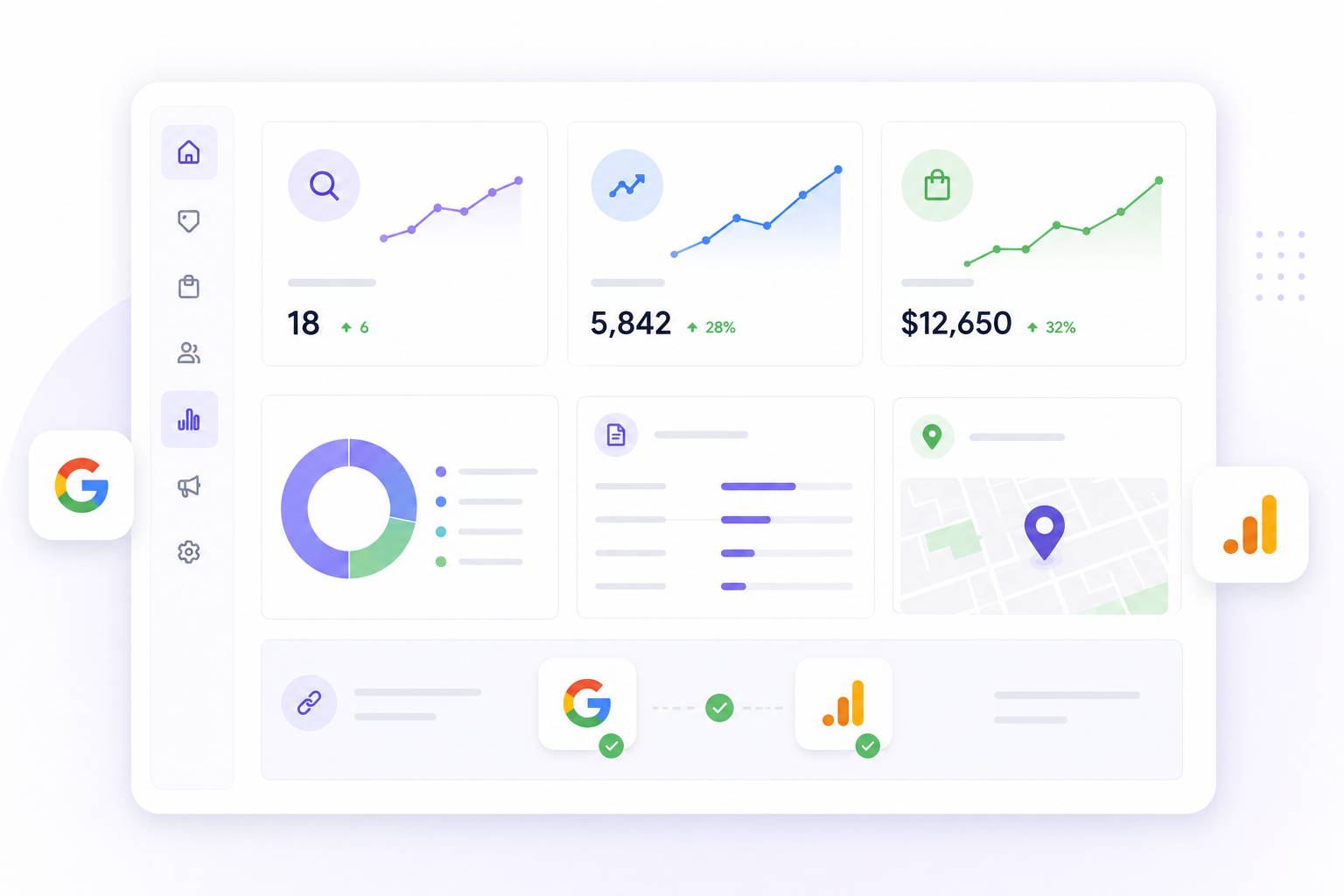
Tracking SEO performance helps you understand whether your optimizations are increasing search visibility and contributing to store traffic and sales.
Use several data sources together rather than relying on a single metric.
Google Search Console
Connect your Shopify store to Google Search Console to monitor:
- Search queries
- Impressions
- Clicks
- Average positions
- Indexed pages
- Indexing issues
- Core Web Vitals
Use this information to identify products and collections gaining visibility and pages that may require further optimization.
Shopify Analytics
Shopify Analytics can help you understand your store’s traffic and commercial performance.
Review traffic sources, sessions, sales, and other relevant metrics to understand how organic visitors contribute to your business.
Compare impressions, clicks, engagement, and revenue to determine whether increased search visibility is translating into business results. If traffic grows without conversions, review search intent, product information, pricing, usability, and the purchase experience.
Google Analytics
You can also use Google Analytics to analyze visitor behavior in more detail.
Search Console focuses primarily on your performance in Google Search, while Analytics helps you understand what visitors do after reaching your store. Using them together provides a more complete view of SEO performance.
Keyword rankings
Shopify does not include a dedicated keyword rank tracker.
Track important product, collection, and informational keywords over time to understand whether your store is gaining or losing search visibility.
Focus on longer-term trends rather than individual daily movements, since search rankings naturally fluctuate.
Competitor performance
Your own rankings and traffic only show part of what is happening in your market.
Monitoring competitors can help you identify keywords where competing stores are performing well, discover content opportunities, and understand how your visibility compares with other businesses targeting the same customers.
Local visibility
If your Shopify store also has a physical location or serves a specific geographic area, monitor your Google Business Profile and relevant business directories.
Keep your business information accurate and consistent across your website, Google Business Profile, and relevant directories so customers and platforms receive reliable information about your business.
Online reputation
Monitor customer reviews and respond to feedback regularly.
Reviews can influence how potential customers perceive your business and are especially important for stores that also rely on local customers or physical locations.
With a rankingCoach account, you can track keyword positions and competitor performance alongside your SEO tasks, helping you connect changes in visibility with the optimizations you are working on.
5. How rankingCoach Helps Shopify Stores
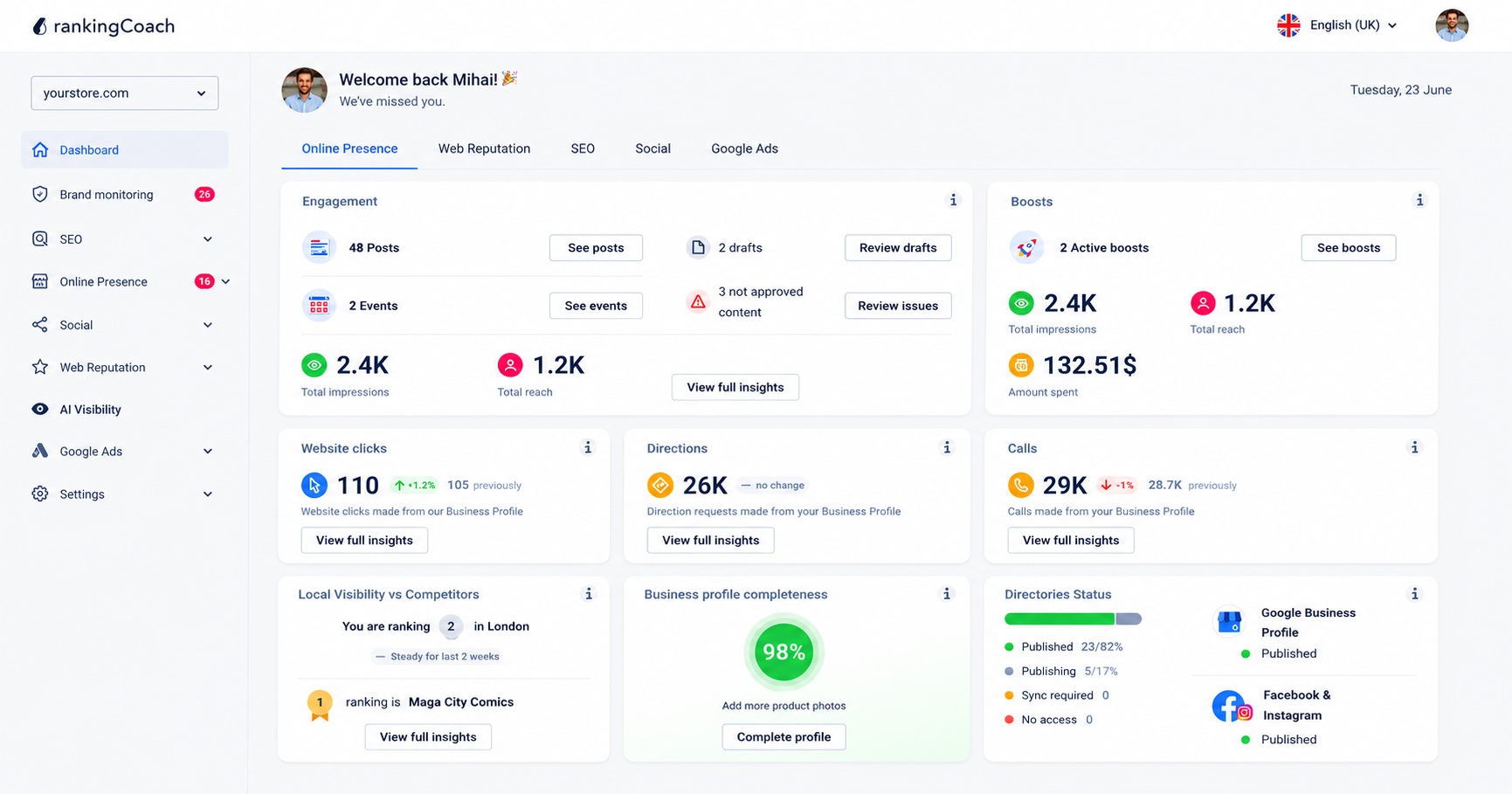
All major Content Management Systems (CMSs) are supported by rankingCoach, making your optimization plan the perfect fit for your system.
To get started, create or sign in to your rankingCoach account and follow the onboarding process, selecting Shopify as your CMS when prompted. rankingCoach then analyzes your website and creates a personalized list of SEO tasks based on the opportunities it identifies.
Each task includes step-by-step written instructions and video tutorials tailored to Shopify, helping you understand what needs attention and where to make the changes in your store.
This allows you to handle many SEO optimizations yourself without requiring specialist support for every task. rankingCoach also complements Shopify’s built-in SEO functionality with ongoing keyword tracking, competitor monitoring, and wider online visibility management.
Depending on your rankingCoach plan, you can also manage other areas of your digital marketing from the same platform.
Key rankingCoach features
- Keyword rank tracking: Monitor where your Shopify site ranks for your target keywords and track movement over time.
- Competitor monitoring: See how your site compares to competitors in search results and identify keywords they rank for that you do not.
- Business listings management: Keep your details accurate and consistent across Google, Bing, Facebook, and 30+ directories automatically.
- Review and reputation management: Monitor reviews across platforms and respond quickly with AI-assisted reply suggestions.
- Social media and Google Ads: Publish social media content, schedule posts, and manage Google Ads campaigns from one dashboard.
- AI Visibility: Monitor how AI-powered platforms such as ChatGPT, Perplexity, and Gemini represent your business and identify visibility opportunities.
- AI Agent: Automate supported SEO and marketing activities from rankingCoach.
See how rankingCoach brings it all together →
6. Shopify SEO: Frequently Asked Questions
How do I get Shopify to rank for keywords?
Identify relevant search terms for your products, collections, and informational content, then use them naturally where they help describe the page. Create useful product and collection descriptions, optimize SEO titles and descriptions, use descriptive URL handles, add internal links, and monitor your search performance with Google Search Console and a keyword rank tracking tool.
What is the best SEO app for Shopify?
The best SEO solution depends on the functionality you need. Shopify already includes many essential on-page and technical SEO controls. For ongoing SEO guidance, keyword rank tracking, competitor monitoring, and wider online visibility management, you can use an external SEO platform such as rankingCoach alongside your Shopify store.
How do I do SEO on Shopify?
Start by optimizing your important products and collections with clear titles, useful descriptions, descriptive SEO titles and meta descriptions, and readable URL handles. Optimize images, add internal links, and connect your store to Google Search Console to monitor indexing and search performance. Then track important keyword rankings over time to understand what is working and where further optimization is needed.
What does rankingCoach do for Shopify SEO?
rankingCoach analyzes your website and creates a personalized list of SEO tasks with written instructions and video tutorials tailored to Shopify. Depending on your subscription, you can also use rankingCoach for keyword rank tracking, competitor monitoring, local listings, reputation management, social media, Google Ads, brand monitoring, and AI Visibility.
Is rankingCoach free for Shopify users?
Yes. rankingCoach offers a free plan with core SEO and visibility functionality, while paid plans provide access to additional features and marketing tools. There is no rankingCoach app or plugin to install in Shopify. Create or sign in to your rankingCoach account and select Shopify as your CMS when prompted during onboarding.
7. Get Started with rankingCoach
Shopify provides a strong technical foundation for e-commerce SEO, but improving your search visibility still requires knowing what to optimize, tracking your results, and understanding how you compare with competitors.
rankingCoach helps turn identified SEO opportunities into a clear action plan so you know what to work on next.
All major Content Management Systems (CMSs) are supported by rankingCoach, making your optimization plan the perfect fit for your system. Create or sign in to your rankingCoach account and follow the onboarding process, selecting Shopify as your CMS when prompted. rankingCoach then provides personalized SEO tasks with written instructions and video tutorials tailored to Shopify.
Whether you want to improve product and collection rankings, discover new keyword opportunities, monitor competitors, or strengthen your wider online presence, rankingCoach gives you the guidance and tracking tools to keep moving forward.